
Searching Cases by Name
A case number beats a name every time. A citation or a court paper may give you one. Start the Douglas County docket search there. Names invite mismatches. The Clerk wants people entered as LAST NAME, FIRST NAME. The screen may say Name or Party Name. Run a common name and you may pull a crowd. Add a filed-date range, pick the right court-type option, and the list shrinks fast. Remember what the county search is: an index. A hit can point you to the right case. It may still leave out documents and certified copies.
- Open the Douglas public Case Management Search and choose the combined, Civil Search, or Criminal Search route.
- Enter the name in the Clerk’s order, using the exact spelling available from the case papers.
- Add Filed From and Filed To dates, then select the court type when the screen offers it.
- Compare the result’s case number, court, judge, filing date, and any displayed setting before opening a likely match.
- Save the case number and court name. Ask the Records Room about a missing file, certified copy, or document access.
| Field Label | Route | Entry | Douglas County use |
|---|---|---|---|
| Name | All and Criminal | Text | Use LAST NAME, FIRST NAME on the county instruction. |
| Filed From / Filed To | All, Civil, Criminal | Date range | Narrows the filing period. |
| Case # | Civil and Criminal | Text | Use the exact number before a broad name search. |
| Party Name | Civil | Text | Search label for a civil party. |
| CSE # | Civil | Text | The local label is shown; its expansion was not published. |
| System Wide Search | Civil and Criminal | Option | Use the local label without assuming it covers every Georgia court. |
| Civil court types | Civil | Choices | All, Domestic, Superior Civil, Child Support, State Civil, Habeas Corpus. |
| Name / Alias / Citation | Criminal | Text | Alias is an alternate-name field; Citation helps with traffic matters. |
| Criminal court types | Criminal | Choices | All, Superior Court, State Court. |
Douglas County Case Search Gateway
Douglas County sends searchers into an Icon Case Management public view. There are three ways in. The New Search/All route combines everything. The Civil Search and Criminal Search screens carry their own labels. On the combined screen you get Name plus Filed From and Filed To. Civil adds Party Name, CSE #, System Wide Search, and court-type choices. Criminal brings Alias, Citation, System Wide Search, and a Superior Court or State Court pick.
Hit Search once your terms are narrow enough. Use Clear when an old value lingers in a field. The public screen is good at locating a case. A result row still deserves a check against its court and filing date. Want an actual document? Ask the Clerk about the file. The index page does not promise a free, complete image set.
Searching by Case Number
Got a citation, pleading, notice, or old order? The case number printed on it is your cleanest way in. It opens a Douglas County court docket. Type it into the Case # field on the civil or criminal route, then double-check the court choice and filing range. The public form shows the label Case #. No published pattern explains how local numbers are built, so leave the segments alone. Do not invent year, case-type, or sequence pieces the Clerk has not confirmed.
A number alone is still not the whole story. Match it to the court. A State Court traffic or misdemeanor case is not the same as a Superior felony or domestic case. Neither county route replaces a municipal, Probate, Juvenile, or Magistrate search. Keep the court name, filing date, and judge together with the number. Those paired details serve you better than a private party's full case history ever will.
Douglas County Case Search Controls
Civil and criminal searches in Douglas County share a date-range idea. They do not share the same fields. A civil user picks All, Domestic, Superior Civil, Child Support, State Civil, or Habeas Corpus. A criminal user picks All, Superior Court, or State Court. That user can layer in Alias or Citation. Treat the labels as routing clues only. They are not legal conclusions about a case or a person.
On the civil side, Party Name is your name field. CSE # should be typed exactly as displayed since the form never expands the abbreviation. For a criminal or traffic matter, Name, Alias, and Citation each offer a separate way to narrow a docket result. One caution on System Wide Search: it is a local control. Its presence does not promise a statewide sweep. Name the court that issued the case number before you rely on a match.
- Party Name
- The civil route’s name field for a party listed in the case.
- Alias
- The criminal route’s alternate-name field.
- Citation
- The criminal route’s field for a citation identifier, useful for traffic cases.
- Filed From / Filed To
- The two date controls that narrow the filing period.
What a Case Search Returns
A public result hands you the identifiers. They connect a search screen to the right Douglas County court file. Compare several fields at once rather than trusting any one of them. Why? A name by itself can pull up more than a single row. Pair the case number with the court, the judge, and the filing date. The match gets much firmer. One caution about calendars. A calendar entry shows a setting category. It is not the full register and not a final disposition.
| Case Number | The primary identifier from the public Case # field, shown as Case # on the search form. |
|---|---|
| Court | The court or court-type result that separates State and Superior matters. |
| Judge | The judge displayed with the case, when the result provides it. |
| Filed Date | The filing date used to check a name or case-number match. |
| Setting | Any hearing or calendar date displayed with the result; confirm a case-specific date with the Clerk. |
| Access note | A public index result is not a certified copy and may not expose every document. |
Write down what the screen gives you. Keep the case number, the court, the judge, the filing date, and the displayed setting. With those in hand, the Records Room can pull an older file or explain why an index result differs from a calendar PDF.
When Douglas County Case Search Finds Nothing
When a Douglas County search comes back empty, treat it as a routing question. It is not proof that no case ever existed. Start with the basics. Check the court type and the date range. Check the spelling too, and whether the search used Case #, Party Name, Name, Alias, or Citation. Then remember the limits of the tool. The county portal does not index every court sitting inside the county. A city municipal citation may live somewhere else entirely. So may a Probate file, a Juvenile matter, a Magistrate claim, or a federal case.
- Use the issuing city’s municipal court route for a Douglasville, Austell, or Villa Rica ordinance or traffic case.
- Call the Clerk’s Records Room when a State or Superior case is older, missing, or needs a certified copy.
- Ask the Probate, Juvenile, or Magistrate clerk when the subject fits that court’s separate jurisdiction.
- Use JustFOIA for an existing county administrative record, not to bypass a court restriction or create a new compilation.
- Use PACER when the case belongs to the federal Atlanta Division or the federal Bankruptcy Atlanta office.
A portal miss is not the last word on access. The Douglas County court records process walks through the difference between an index, a docket register, and the documents filed behind a case. Knowing that distinction keeps a thin search result from being mistaken for a closed door.
Statewide vs County Case Search
Georgia Courts eAccess works as a directory and routing layer for the whole state. It lists the Douglas State and Superior Courts. It also notes that some access may require an account. It is not a promise of free, anonymous, statewide document viewing. For Douglas County itself, the direct route is the Icon gateway. That gateway opens public civil, criminal, and combined index screens for the county.
Pick your system by the question you are asking. A known Douglas State or Superior case belongs in the county search. A multi-county question can start with eAccess to find the right participating court or provider. Then follow that court's own access rules. Municipal, Probate, Juvenile, and Magistrate matters each sit with their own clerk. Federal civil, criminal, and bankruptcy cases live in PACER. They never show up in a Georgia county index.
| Statewide access directory | Douglas County public search |
|---|---|
| Lists participating courts and access providers, including Douglas State and Superior | Direct public Icon search for Douglas combined, civil, and criminal routes |
| May require an account for a provider or document layer | Public index fields are exposed without promising every document or credit feature |
| Useful when the court or county is not yet known | Best starting point for a known Douglas case number, name, or citation |
Douglas County Case Search and Federal Dockets
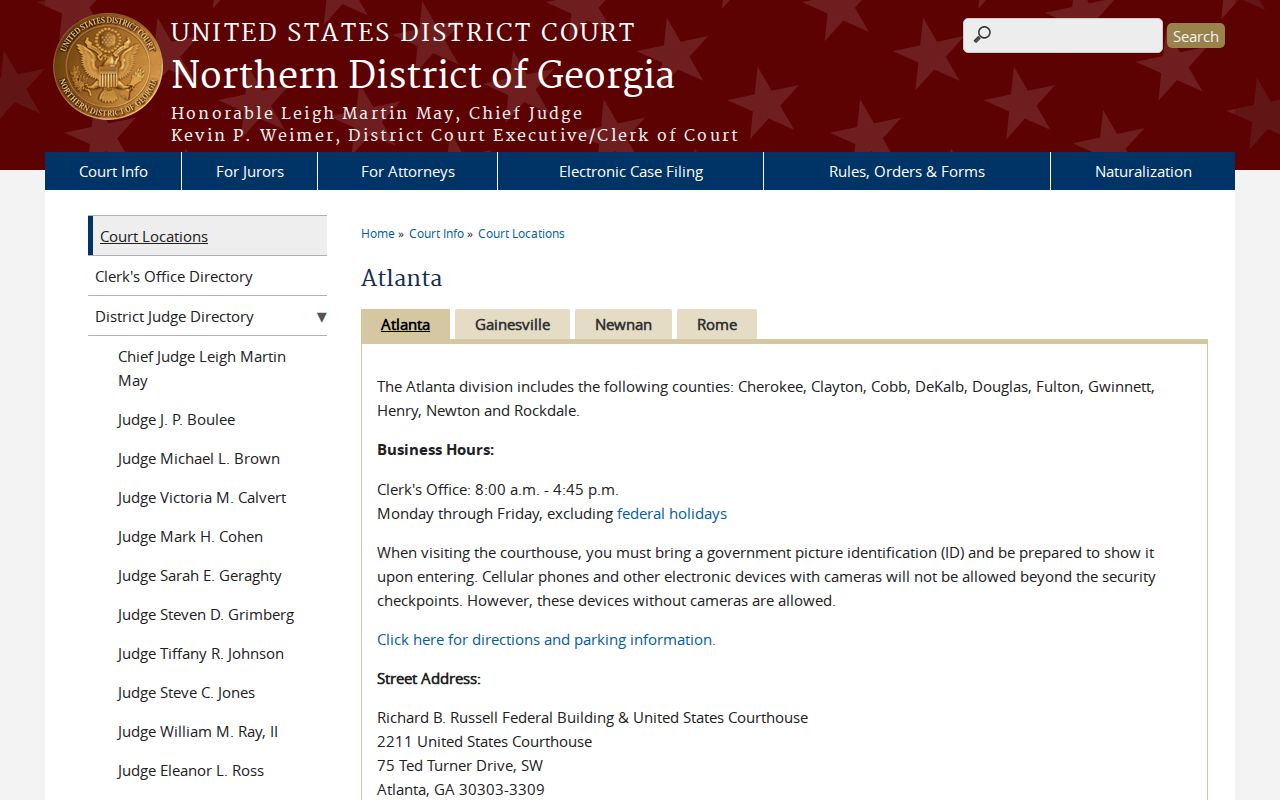
Douglas County falls inside the Northern District of Georgia's Atlanta Division. Any federal civil or criminal case there belongs in PACER. When you lack the district or case number, start with the PACER Case Locator. Then select N.D. Georgia and search by case number or party. CM/ECF is the filing side; the public normally reads filed documents through PACER. Federal appeals and Eleventh Circuit work run on a separate appellate docket.
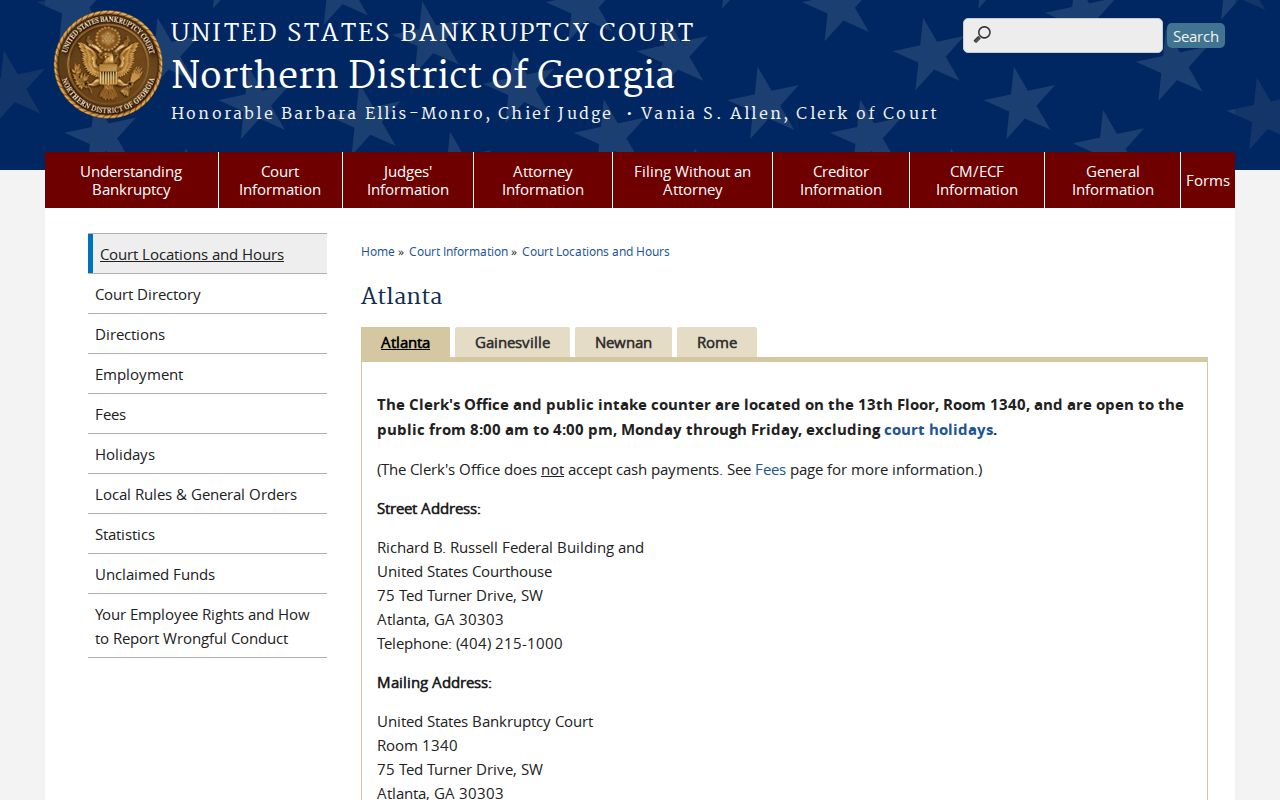
A quick test settles the boundary. A Douglas County state case number will not appear in PACER. A federal case will not come back through the county Icon search. Bankruptcy is its own track again. The Northern District of Georgia Bankruptcy Atlanta page lists Douglas among the counties served. But those cases still travel the federal PACER and CM/ECF path.
The official Atlanta Division court information page shows the federal routing that covers Douglas County.
The Northern District of Georgia Atlanta Division page supplies the federal location and county-routing context.
The Bankruptcy Atlanta intake page names Douglas among the counties served and gives the bankruptcy access context for the area.
The official bankruptcy page shows the Atlanta office route that serves Douglas County.
PACER's fees are set by federal rules, not by Douglas County. The 2026 schedule charges $0.10 per page for docket views. But you never pay more than $3 for documents pulled from one case. Pay nothing at all when your quarterly total stays at $30 or less. An audio file runs $2.40. A pending change would lift the page rate to $0.12. It would also raise the waiver line to $40. That shift is scheduled for January 1, 2027, so check the federal price before you rely on these numbers.
The official PACER home page is the source for federal account and access routing.
Access and Restricted Cases
Georgia starts from a presumption that court records are open. A public case search still does not promise that every filing, exhibit, juvenile matter, or personal detail will surface. Uniform Superior Court Rule 21 keeps Superior Court records public by default, while letting a judge restrict access by order when the rule's standard is met. The Georgia Open Records Act, O.C.G.A. §§ 50-18-70 through 50-18-72, supplies the public-policy, response, and exemption framework for public records.
Access boundary: “Public” does not necessarily mean free, instant, complete, unredacted, or searchable by every field. A restricted result should be handled by the correct clerk or court order.
When a record does not come back, check the court and the route before concluding anything. Juvenile, Probate, Magistrate, municipal, and federal records each sit in separate systems. Some sit with separate clerks. The GBI restriction form under O.C.G.A. § 35-3-37 deals only with restricting arrest records. It is not authority to delete a court docket. Ask the Clerk which access or copy route applies. And never read a missing index row as the final word on a case.
Douglas County Case Search Access Boundary
Douglas County's public search and its official or attorney login shell are two different access layers. The shell shows a username field, a password field, a CAPTCHA, Remember My User Name, Log In, shopping-cart, and Check Out controls. Those controls signal that some account, document, or credit functions sit behind a gate. They do not prove the public index itself needs an attorney account.
Practical limit: use the public index to find the case, then ask the Clerk about document images, copy fees, credits, or a certified record. The county posts no stable public price for document credits.